
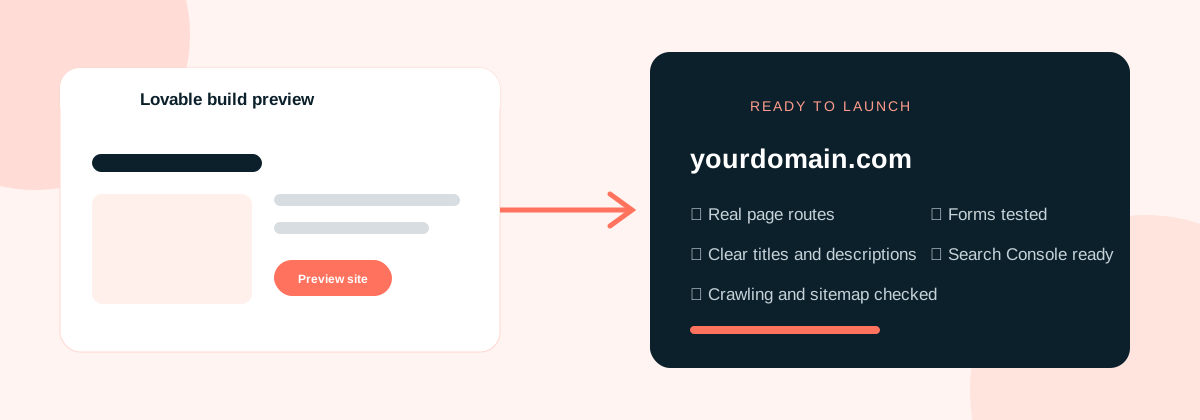

Decide which pages should appear in search
Start with the pages, not the settings. Write down the parts of the website that should be found through Google. For a service business this may include the homepage, one page for each main service, an About page, contact details and useful supporting guides.
Product screens behind a login, account settings, dashboards and confirmation pages usually do not belong in search. Keep the public marketing site separate from private product routes and make the indexing choice deliberate.
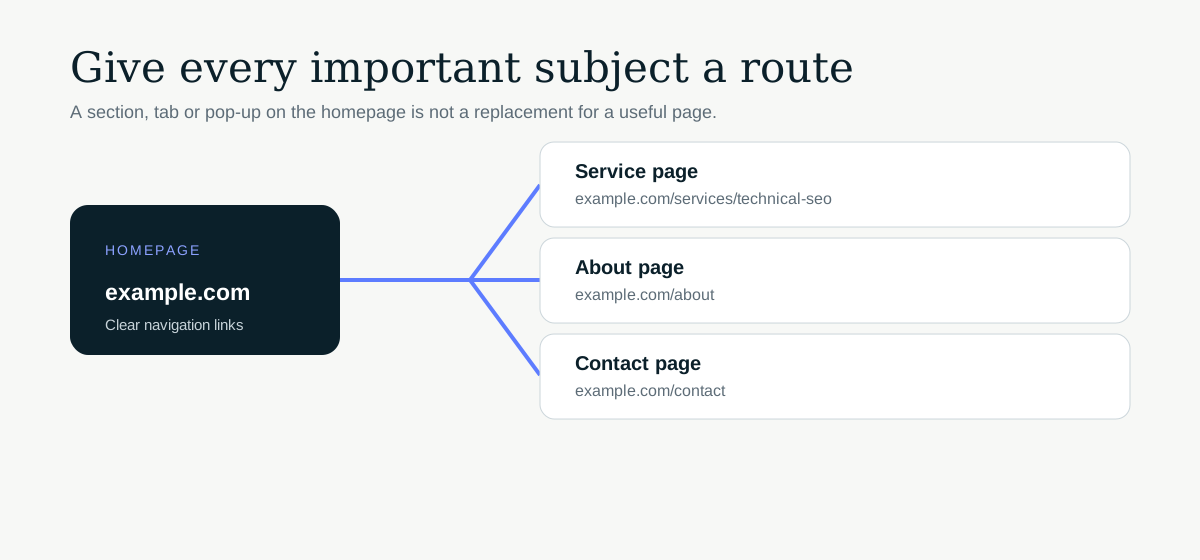
Give important content a real route
Each useful page needs its own stable URL. A service shown in a pop-up or a tab on the homepage is harder to find and cannot target a separate search need properly.
Open every main navigation link and watch the browser address. The address should change to a clear route such as /services/technical-seo. Refresh that URL directly. If it only works after entering through the homepage, the routing needs attention.
Check the page source, not only the preview
Lovable’s preview tells you whether the interface works. It does not tell you exactly what a crawler receives. Test the published build and inspect the HTML returned for each important route.
New Lovable projects use TanStack Start and render pages on the server by default. Older projects may still use a client-rendered React and Vite setup. In both cases, confirm that the page title, main heading, useful copy and internal links appear in the returned output and remain correct after the browser loads.
Lovable’s TanStack Start guidance explains the platform change and the migration path for older projects.
For help with the full build, see our Lovable SEO service.
Write a title and description for every public page
Generated builds often reuse one title across the whole application. Check each route in the browser tab and in the page source. The title should describe that page, not the tool used to build it.
Keep titles specific and readable. A service page might use the service name followed by the brand. The meta description should summarise the page honestly in one or two sentences. Avoid stuffing lists of phrases into either field.
Set the final domain and canonical URLs
Connect the domain you plan to keep before final checks. Redirect the temporary project address and any unwanted domain version to the preferred address. Then make sure canonical tags use that same final domain.
Check sharing previews as well. The Open Graph URL and image should not point to an old preview environment. Lovable’s project settings cover publishing, custom domains and Git connections, but the final page output still needs to be verified after the domain is connected.
Add robots.txt and a clean XML sitemap
Robots.txt should allow access to the public pages and the files needed to render them. Remove any staging rule that blocks the whole site.
The XML sitemap should list canonical public pages only. Test the sitemap URL in a browser, then submit it in Google Search Console after launch. Do not include signed-in areas, filters, error pages, redirects or confirmation screens.
Check images, fonts and page speed
Replace placeholder images, compress large files and give meaningful images useful alternative text. Decorative graphics can use empty alt text so screen readers skip them.
Load the site on a phone using mobile data. Watch for a large hero image, multiple font files or scripts that delay the main content. A fast preview on a good connection can hide a slow first visit.
Test forms, errors and missing pages
Submit each form with valid and invalid details. Confirm where the message goes, what the visitor sees afterward and whether required fields are labelled properly.
Open a made-up URL on the domain. It should return a genuine 404 status and a useful page, not the homepage with an error message. Also test old URLs if the new Lovable site replaces an existing website. Important old addresses need one-to-one redirects.
Set up measurement before launch
Verify the final domain in Google Search Console, submit the sitemap and record a small set of priority URLs. If you use analytics, make sure consent and privacy information match the setup.
After launch, inspect the priority URLs rather than waiting for a general report. Check that Google can fetch them, sees the right canonical and renders the important content.
The short version
- Every important topic has a stable public URL.
- Public pages work when opened directly and refreshed.
- Titles, descriptions and canonicals are unique and correct.
- The final domain redirects consistently.
- Robots.txt allows crawling and the sitemap is clean.
- Main pages are connected with normal internal links.
- Images and fonts are sensibly sized.
- Forms, confirmation pages and the 404 page work.
- Search Console is ready for the final domain.
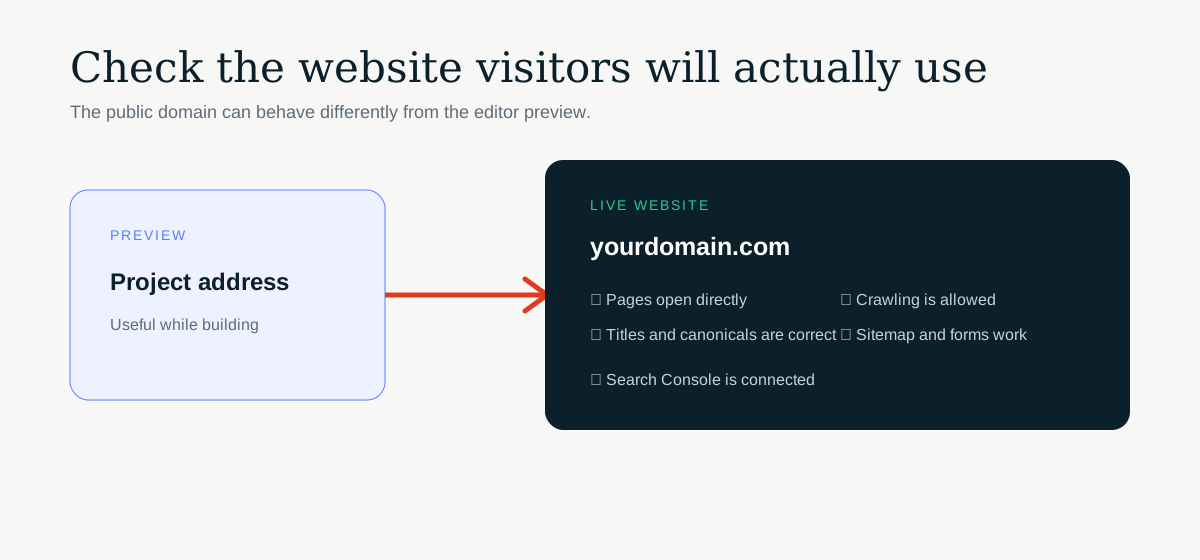
Run the list against the published site, not only the editor preview. The public output is what search engines will receive.