
Make sure the important content loads properly
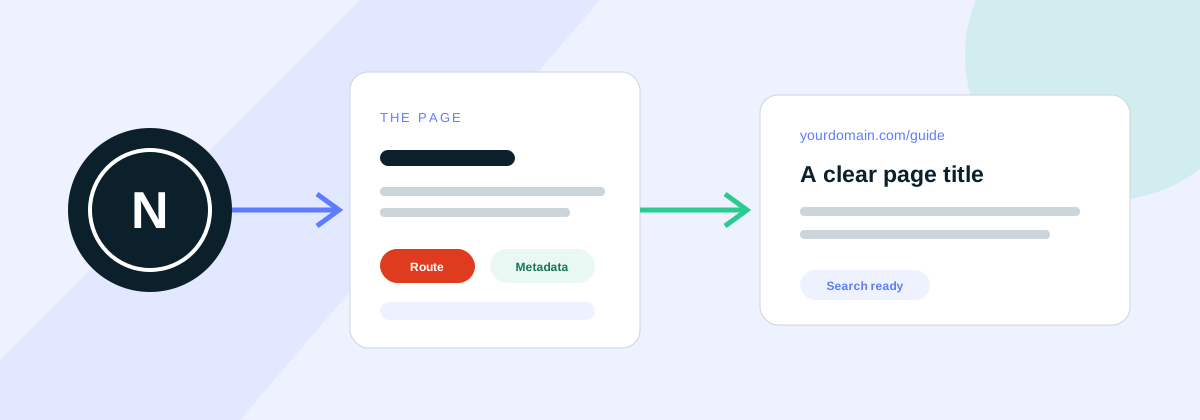
Next.js can build and display pages in several ways. You do not need to know the technical differences to understand the main SEO requirement: the useful content, headings and links on a page must be available when a search engine visits it.
Interactive tools, calculators and account features may need to run in the visitor's browser. The main page content usually should not depend on that extra step. Keeping the important information available from the start makes the page more reliable for visitors and easier for search engines to understand.
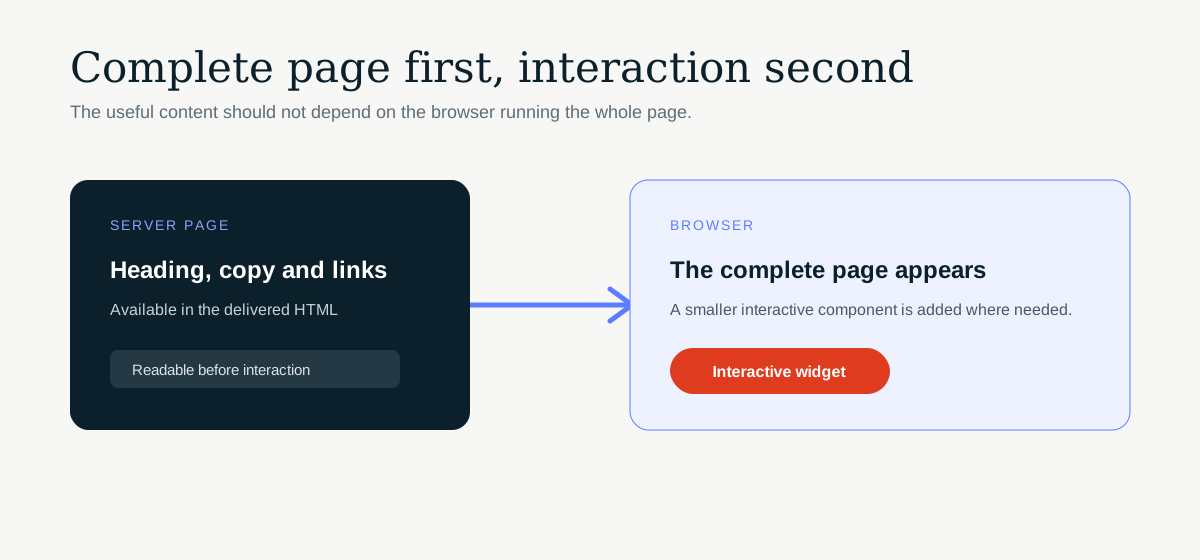
If a developer is making the changes, the official Next.js guide to Server and Client Components explains the available options.
Give every useful page a clear address
Each service, product or subject that deserves to appear in search should have its own useful page and web address. Decide which pages people need before creating lots of similar pages automatically.
Keep web addresses short, readable and consistent. If an address changes, send visitors and search engines from the old one to the new one rather than leaving two versions live.
A missing page should return a proper 404 response, even if it also displays a helpful message. This tells search engines that the page is genuinely unavailable instead of making it look like a normal working page.
Give each page clear search information
A page title and description help search engines understand the page and can affect how it appears in search results. Set sensible site-wide defaults, then write specific information for each important page.
A service page, article and contact page should not all use the same title or description. Each one should clearly describe its own purpose. Make sure this information uses the public website address rather than a temporary preview or staging address.
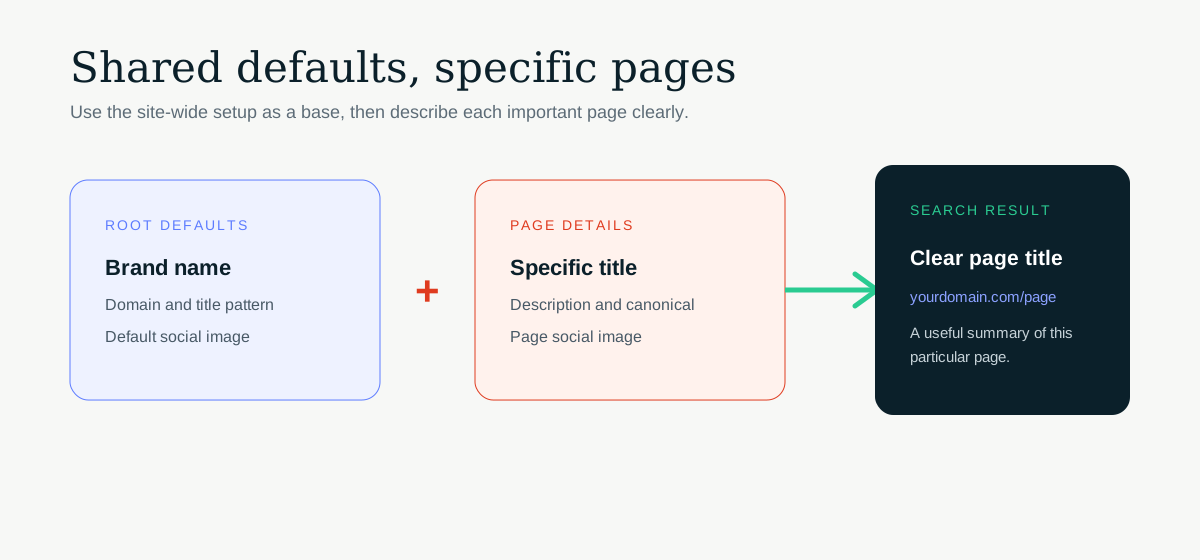
The official Next.js metadata guide gives developers the implementation details.
Make the preferred version of each page clear
Sometimes the same content can be reached through more than one web address. A canonical tag tells search engines which version you want them to treat as the main page.
The canonical should normally point to the public address of that specific page. It should not send every page back to the homepage, as this can cause useful pages to be ignored.
Where possible, redirect duplicate addresses to the preferred version. Use that same address in links and in the sitemap so every signal agrees.
Help search engines find the right pages
A robots file gives search engines instructions about which parts of the website they can visit. A sitemap provides a list of the public pages you want them to find. Next.js can create both automatically when they are set up correctly.
The sitemap should contain the final public version of each useful page. Leave out private areas, thank-you pages, old addresses and anything that redirects elsewhere.
Developers can use the official Next.js sitemap documentation for the required setup.
Use normal links between important pages
Visitors and search engines should be able to reach important pages by following normal links. Menu items, service links and article links should lead to a real web address.
A button that only triggers an action in the browser may look like a link to a visitor but may not help a search engine find the destination. Your developer can use the Next.js Link component for links between pages on the website.
Add extra search information only when it is accurate
Structured data is information added behind the scenes to help search engines understand what a page contains. It can describe things such as an organisation, article or breadcrumb trail.
Only include details that visitors can also see on the page. Do not add ratings, prices or frequently asked questions that are not genuinely present. Incorrect information is unlikely to help and may prevent a page from being eligible for enhanced search results.
Test the live page with Google's Rich Results Test after the information has been added.
Describe useful images properly
Give informative images short, accurate alternative text so their meaning is available to people using screen readers and to search engines. Decorative shapes and repeated visual flourishes should usually have empty alternative text.
Important pages should also have a suitable image for social sharing. Check the finished preview rather than assuming a logo will work well when it is placed inside a wide social card.
Do not hide essential content behind browser actions
Some content only appears after the page has loaded and the browser makes another request. This can be appropriate for private account information or a live dashboard.
It is less suitable for service descriptions, product details, headings or links that people need to find through search. Ask your developer to make this essential information part of the page from the start, then check the finished live page in Google Search Console.
Check the real website before and after launch
- Build the finished website and resolve any reported errors.
- Open the most important pages directly, including pages created from products, services or articles.
- Check that every page has the correct title, description and preferred address.
- Open the robots file and sitemap to make sure they work.
- Try an address that does not exist and confirm it returns a genuine 404.
- Check the main internal links and any redirected addresses.
- Test structured data and social sharing previews.
- Inspect priority pages in Google Search Console after launch.
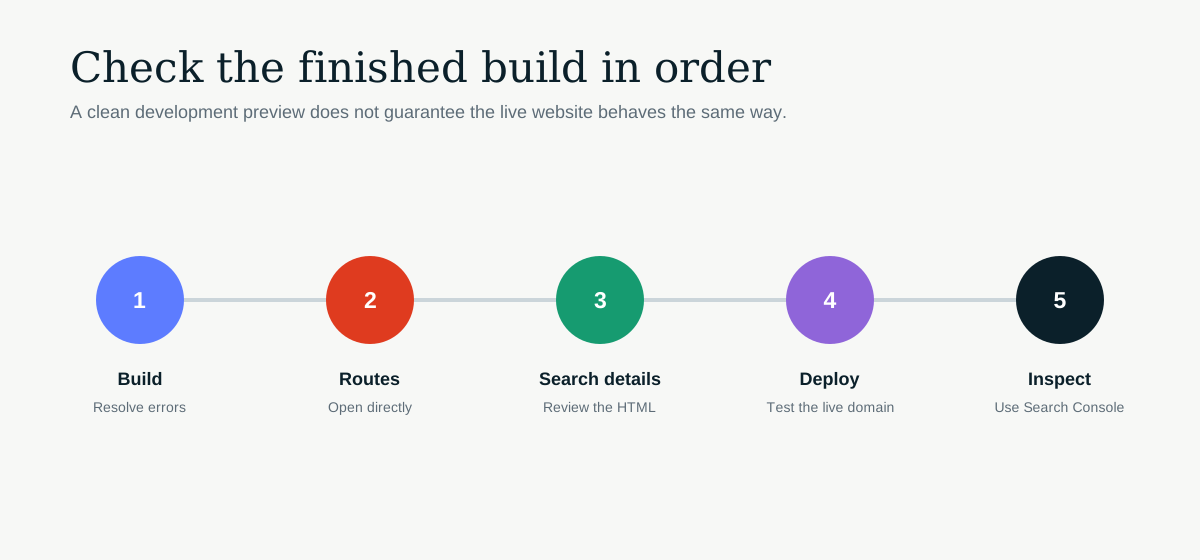
The website used during development is not the final test. The public domain, hosting settings and live environment can all affect what visitors and search engines receive.